How it works
From sign-upto your first bill.
There is nothing to install. Open your firm, bring in what you already have, add your team and start billing.
01 · 1 minute
Open your firm
Choose a firm code, enter the firm's name and phone, and set an admin user and password. Your address works at once.
- No card needed
- 14 days with every feature
- Your own address and books
02 · Step 2
Enter your firm's details
Add GSTIN, PAN, licences, bank details and logo. They appear on your printed bills. Preferences set how billing and numbering behave.
- Firm details on every print
- Numbering and print preferences
03 · Step 3
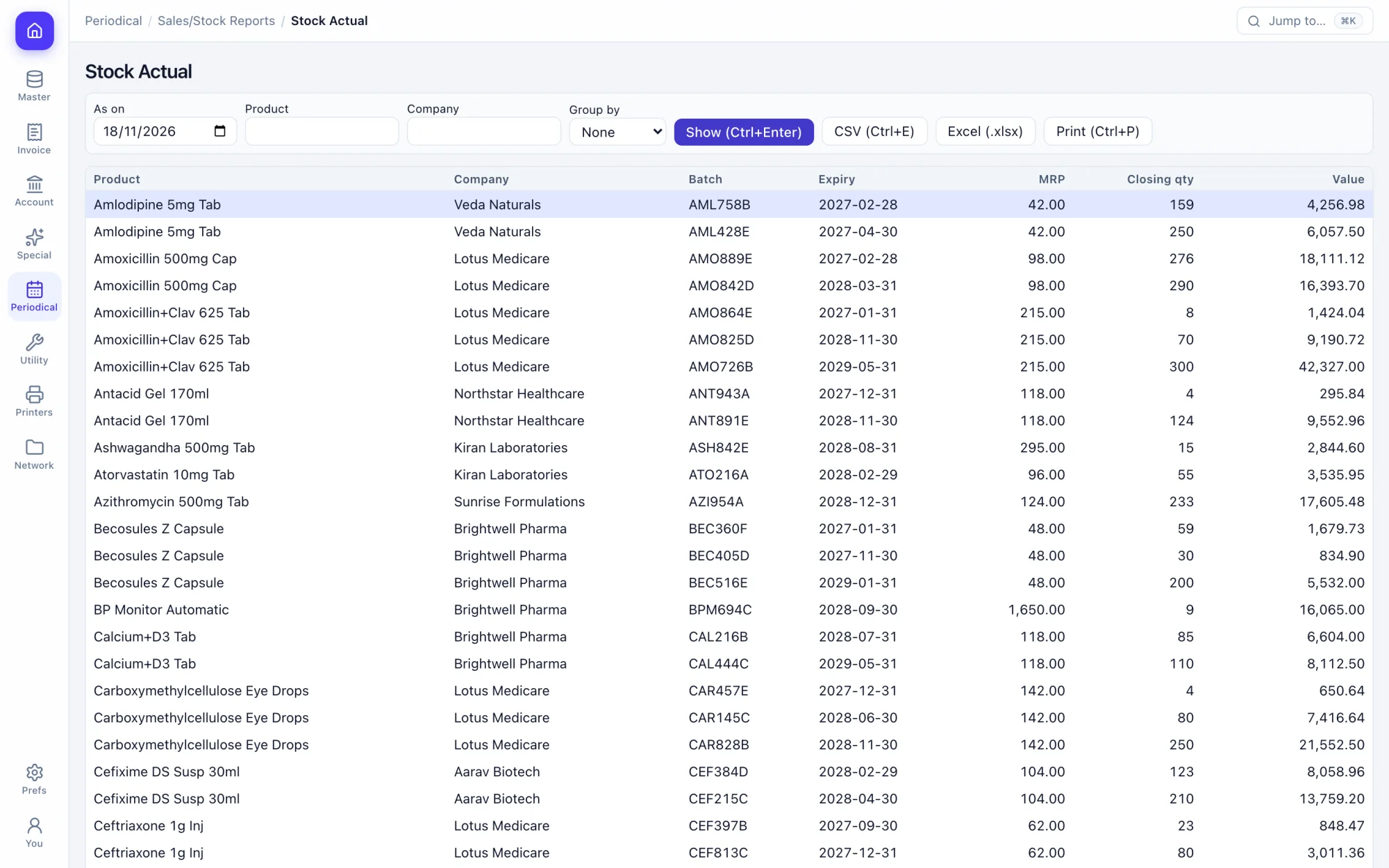
Bring in your masters
Import customers, suppliers and other masters from a CSV with a header row, or type them in. Existing names are skipped, so a repeat import is safe.
- CSV import for masters
- Opening balances per account
- Opening stock per batch
04 · Step 4
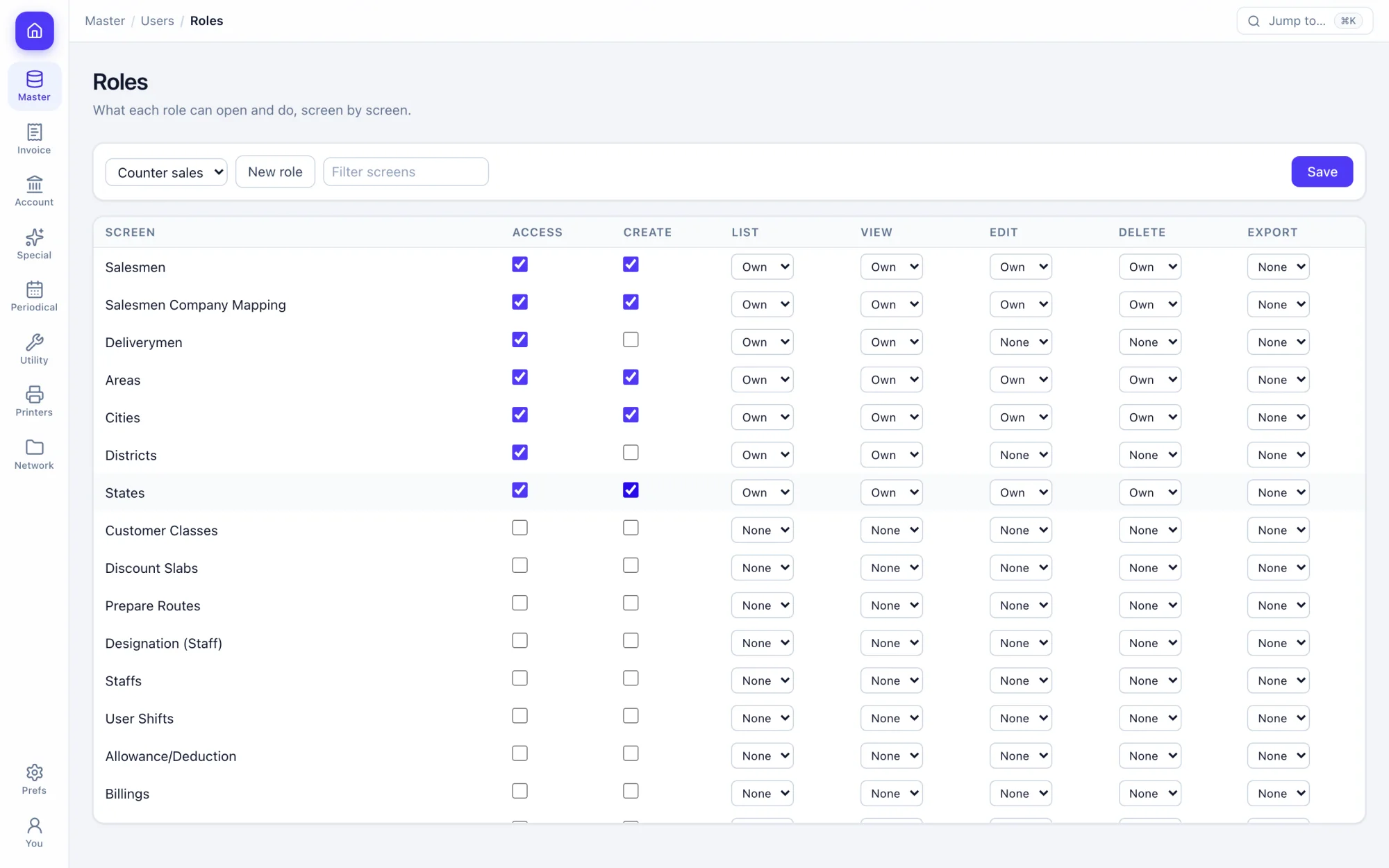
Add your team
Create roles for the counter, the accountant and the warehouse, then add a user for each person.
- Rights per screen
- Every change logged
05 · Step 5
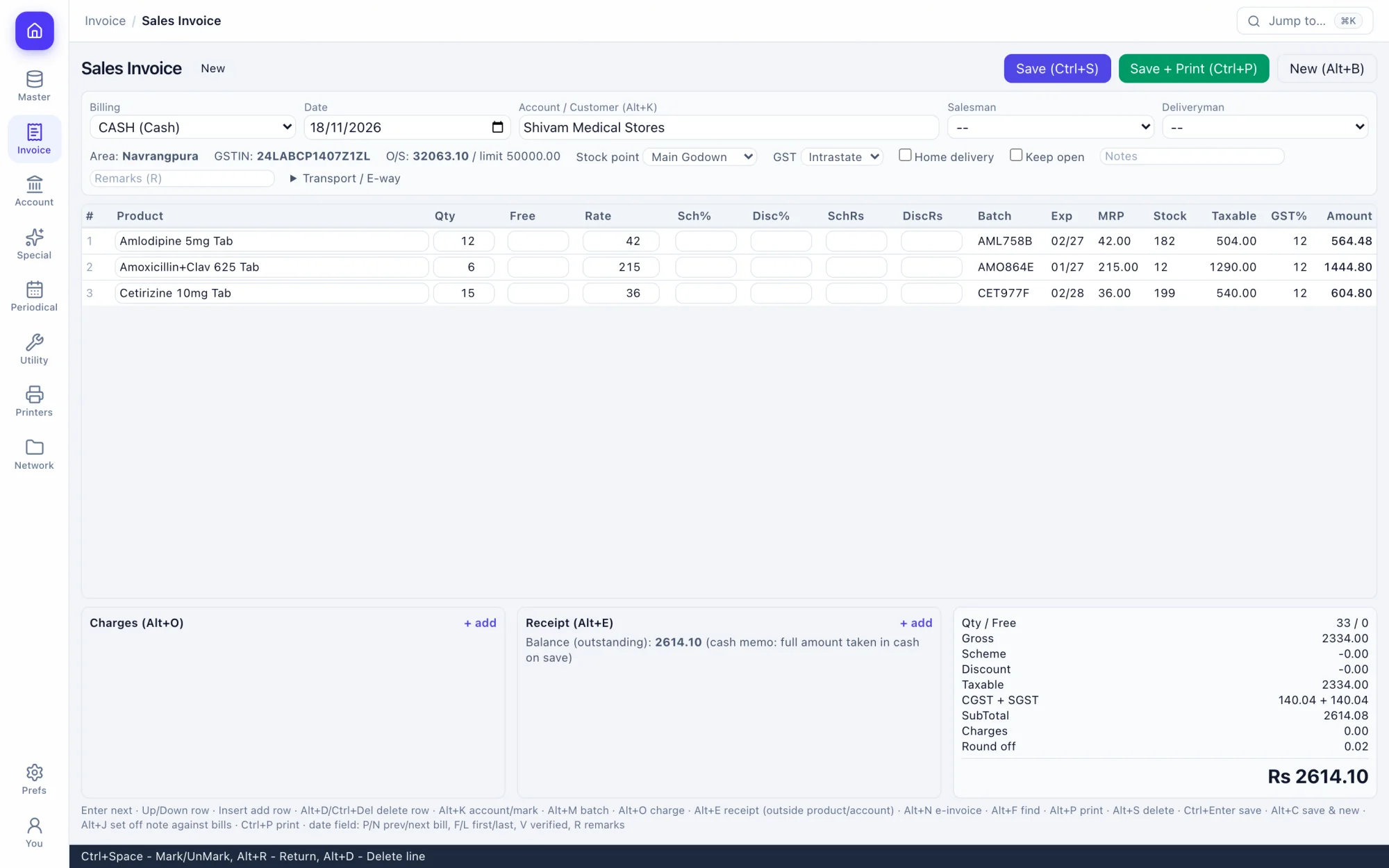
Make your first bill
Pick a party, type a product and press Ctrl+S. The bill, the stock movement and the ledger entries are done together.
- Keyboard all the way
- Print on save with Ctrl+Shift+Enter
06 · Any time
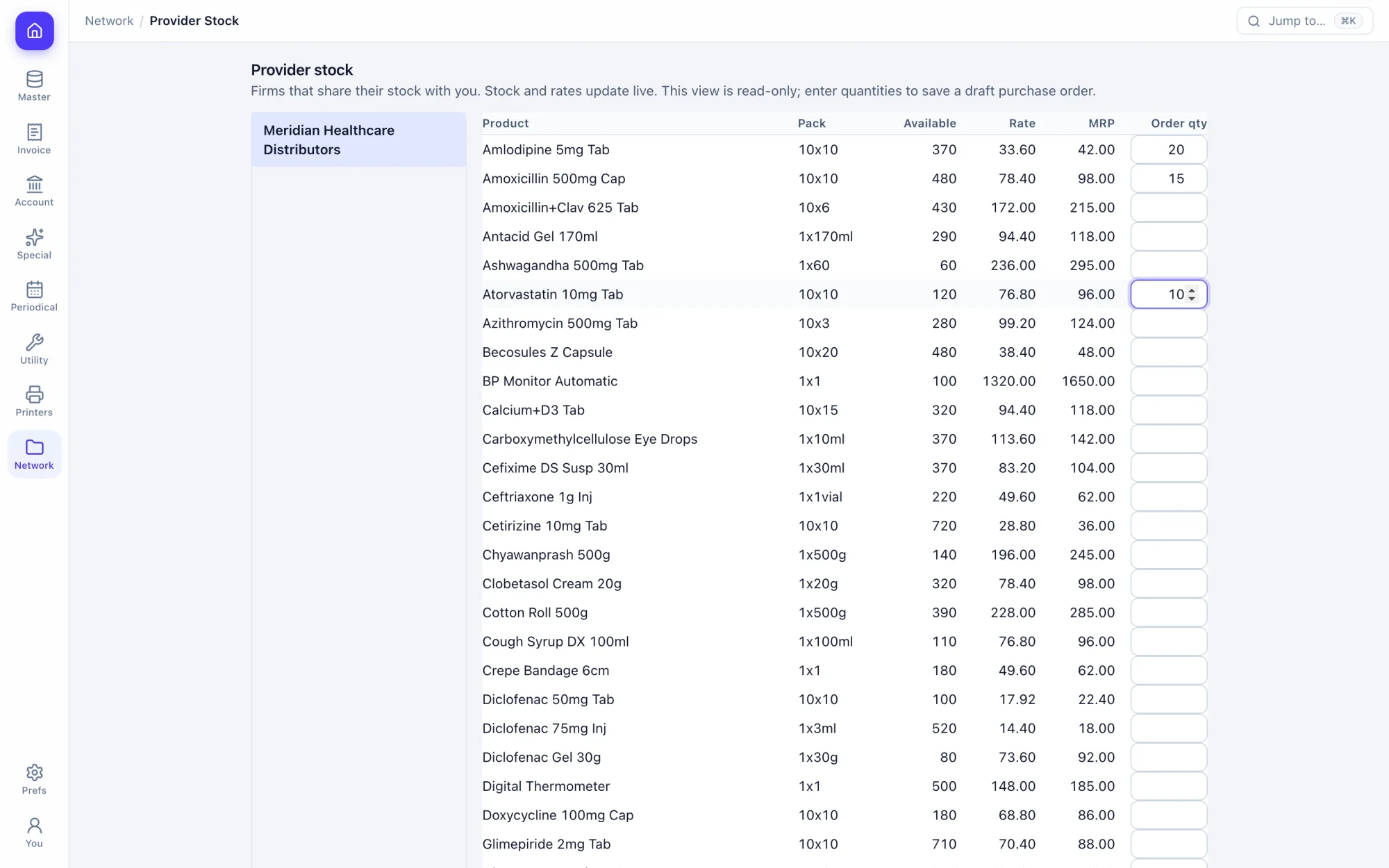
Connect your suppliers
If your distributor is on Prime-ERP, order on their shared stock. If you are the distributor, choose what your shops can see.
- Live stock and rates
- Orders land in their inbox
Your first bill is a minute away.
Fourteen days free with every feature. Pick a firm code and you are billing in a minute.