FeaturesReports
Two hundred reports,ready to export.
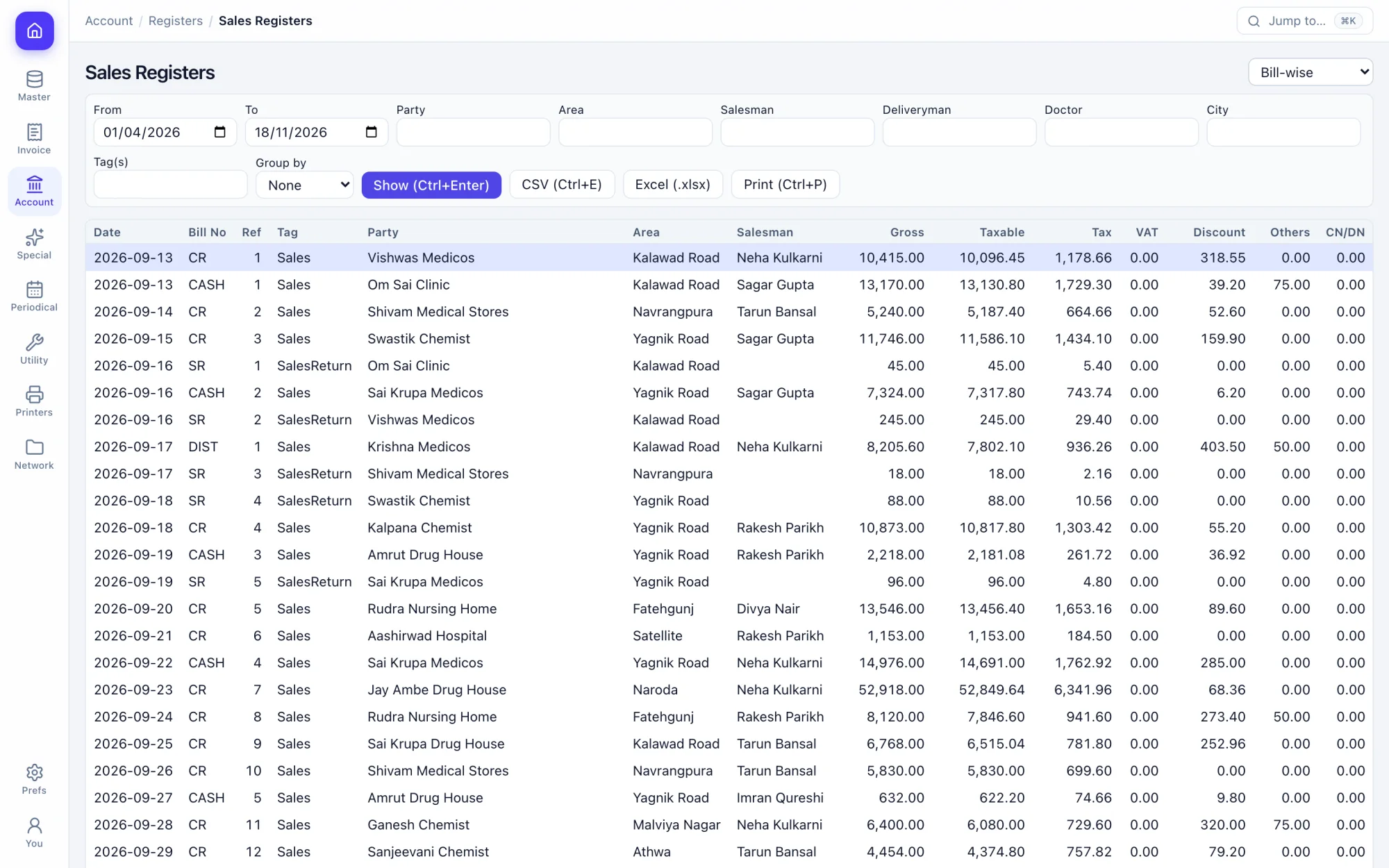
Registers, day book, trial balance, stock valuation and analysis by party, product, salesman or area. Filter, then send to Excel or CSV.
How the work goes.
Step 1
Open it by name
Ctrl+K finds any report without walking through the menu.
Step 2
Filter
Date, party, product, company, salesman or area, depending on the report.
Step 3
Read it
Totals on screen, ready to print.
Step 4
Export
Excel or CSV from any report.
What you get.
Registers
Sales, purchase, challan, journal and note registers.
Daily view
Daily summary, hourly sales, day book and cashier summary.
Party analysis
Sales and purchase by party, and average payment days.
Product analysis
Sales, purchase, margins and top sellers.
Team analysis
Salesman, deliveryman and target reports.
Area analysis
Sales by city and area.
Outstanding
Receivables by party, salesman or deliveryman, and ageing.
Exceptions
Deleted bills and items, discounted bills and lost orders.
Custom reports
Save a filtered view and open it again in one click.
Keys you will use.
All shortcuts- Find a reportCtrlK
- PrintCtrlP
- BackEsc
Screens in this area.
See all screens- Sales Registers
- Purchase Registers
- Day Books
- Daily Summary
- Hourly Sales
- Datewise
- Sales Margins
- Party Analysis (Sales)
- Party Analysis (Purchase)
- Average Payment Days (Sales)
- Product Analysis (Sales)
- Product Analysis (Purchase)
- Toppers' Analysis
- Salesman Analysis (Sales)
- Salesman Performance Report
- Target Reports
- City Analysis
- Area Analysis
- Account Receivables (Salesmanwise)
- Business Overviews
- Deleted Bills/Items
- Discounted Sales Invoices
- Lost Orders
- Custom Reports
Try it on your own books.
Fourteen days free with every feature. Pick a firm code and you are billing in a minute.